UEDEV / 3D Navigation AI / Moving obstacles · Updated
v3.6.0 Use case · New in 3.6
Moving obstacle avoidance for Unreal Engine 5 AI
Re-planning around a door after it closes is too late for a drone at speed. Since 3.6, Fly To predicts where every moving obstacle will be and times its pass — and the octree still restamps itself as the world moves, so routes stay true.
- 5.0 on Fab · 3 ratings
- LCM 3D Navigation AI
- Unreal Engine 5.2–5.8
- Movers in the Gauntlet
- 42
- Gauntlet hall
- 370m
- Agent Mass edition
- 200
- Prediction settings
- 3
Predict, don't just react
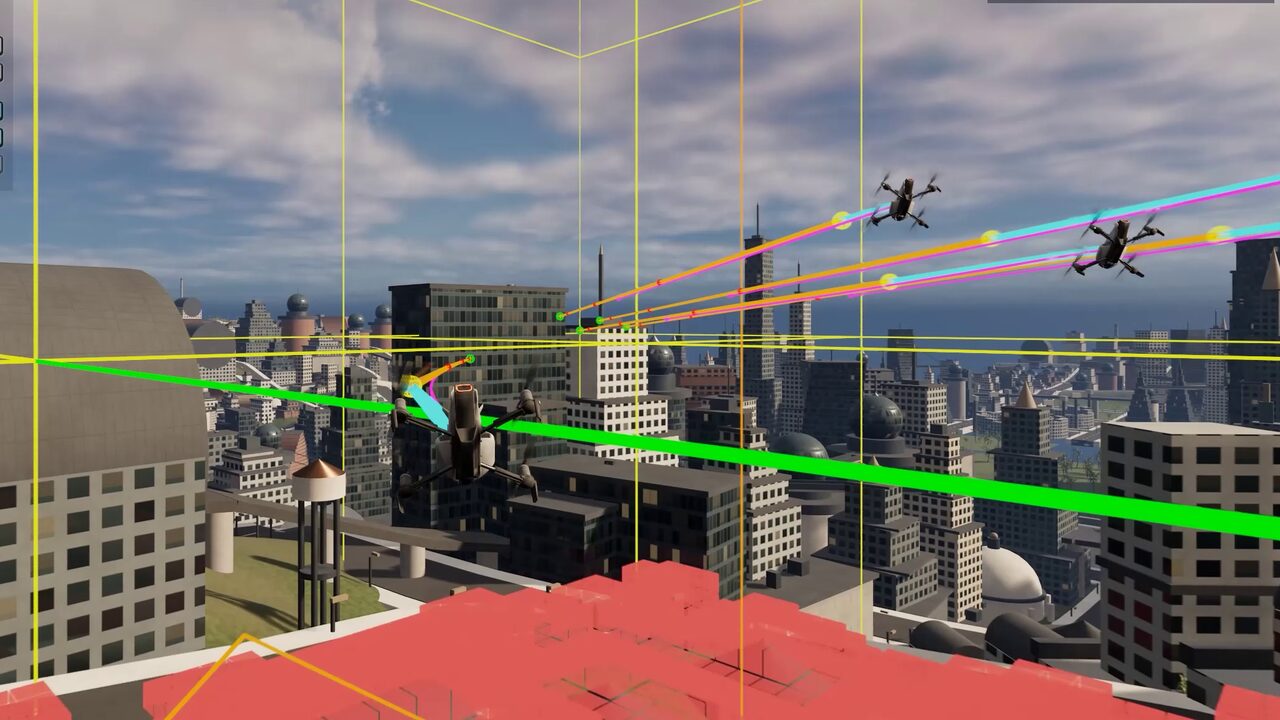
Fly To predicts where every moving obstacle — any actor with an LCM Dynamic Obstacle component — will be, and times its pass. It learns a gate's or a piston's cycle and replays it, turns a spinning blade with it, eases off, waits for a gap or takes a detour, and dodges what it cannot outrun.
It is on by default in the Behaviour Tree and StateTree Fly To, controlled by three settings: Avoid Moving Obstacles, Moving Obstacle Look-Ahead and Moving Obstacle Margin.
The octree moves with the world
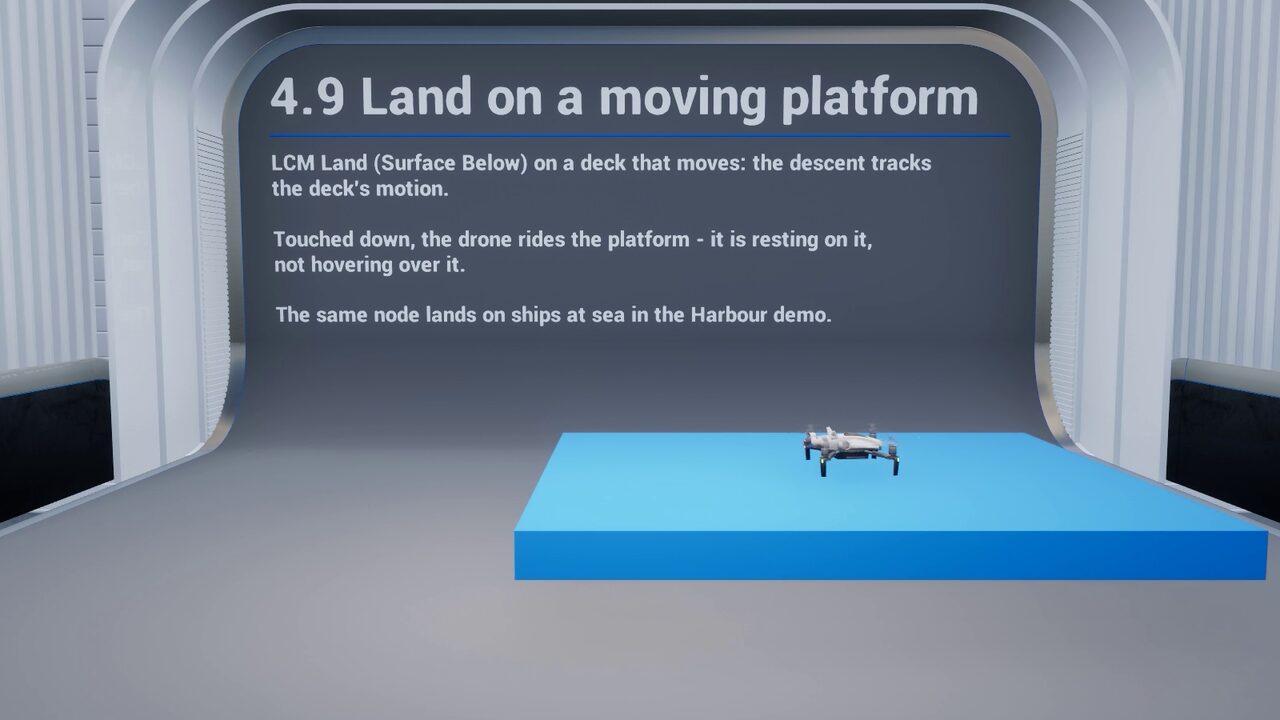
Moving geometry writes its own footprint back into the octree as it travels, so doors, lifts, moving platforms, destructible cover and patrolling ships change routing live — and in multiplayer the change is multicast to every peer. A mover put back to the start of its track is treated as a jump, not a very fast move, so the space it left is freed.
In streamed worlds a moving obstacle's update next to a 168k-triangle room costs about 1 ms, down from 20 ms.
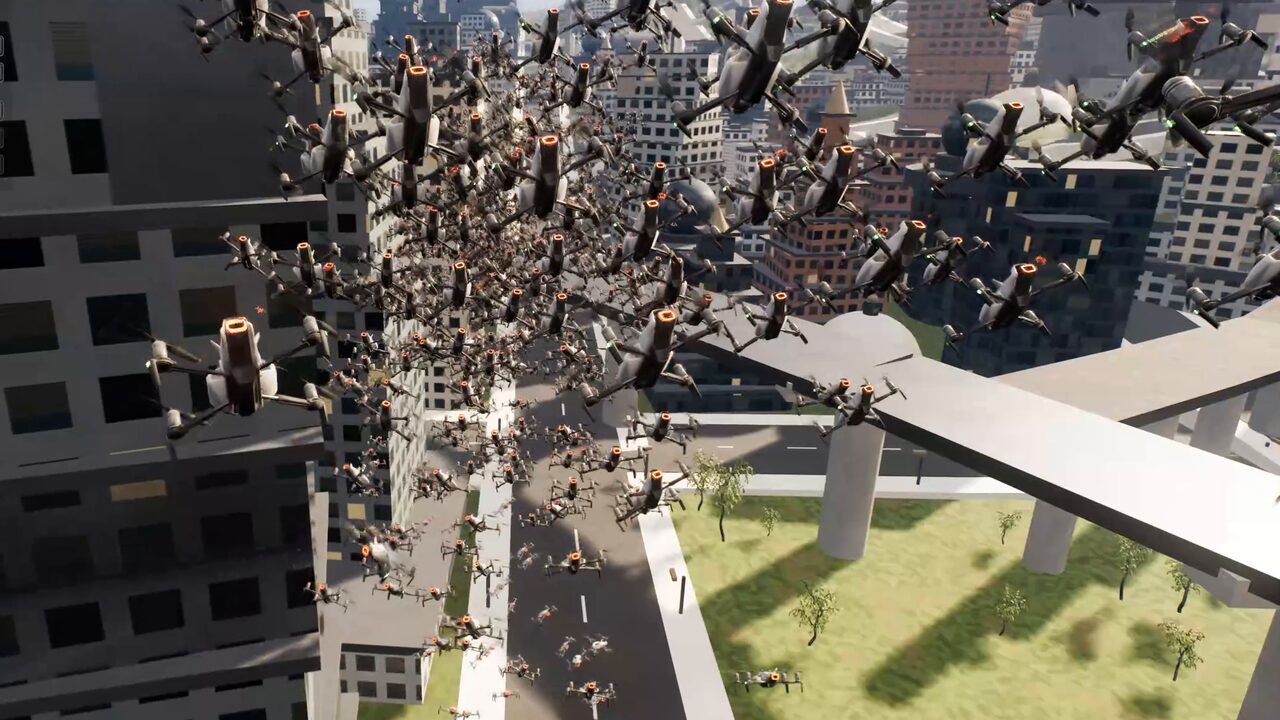
Avoiding each other, too
Agents avoid each other with Reactive (boids), Predictive (ORCA) or Context-Based Steering, chosen per agent. Fly To's wall-avoidance whiskers ignore other agents and leave them to agent avoidance, and Mass crowds keep apart with Hold Avoidance and Contact Push.
The Obstacle Gauntlet
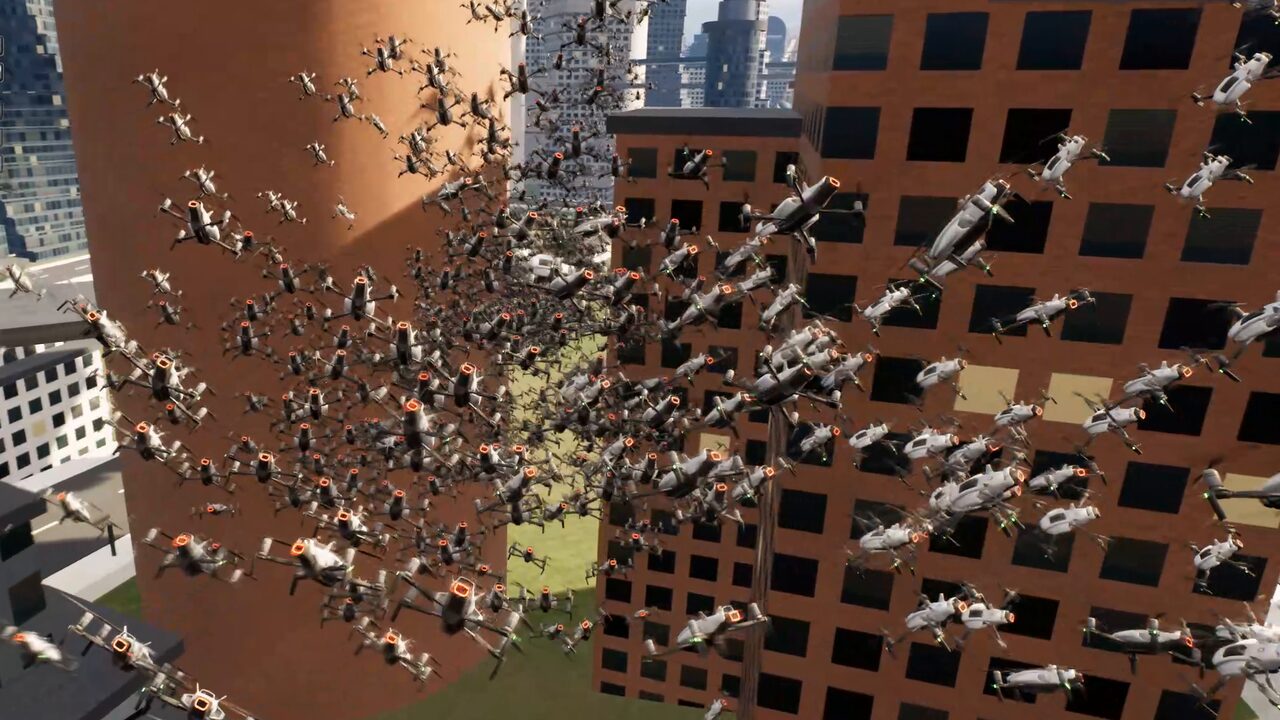
A 370 m hall of six zones with 42 movers driven by Unreal's own movement components. Twelve drones fly it end to end in the Behaviour Tree and StateTree editions; a crowd of 200 follows a beacon through it in the Mass edition. Open it from the demo menu.
- ZONE 01Fast gates
- ZONE 02Crossing traffic
- ZONE 03Windmills and sweepers
- ZONE 04Pistons
- ZONE 05Head-on blocks
- ZONE 06Bouncers
See it in the demo levels
These levels are part of the 57 free demo levels you download from inside the editor (LCM Nav3D menu › Get the Demo Levels).
Dynamic Obstacles
Moving gates seal and open corridors while agents re-route live; 200 flow-field agents in Mass.
- BT · ST · Mass
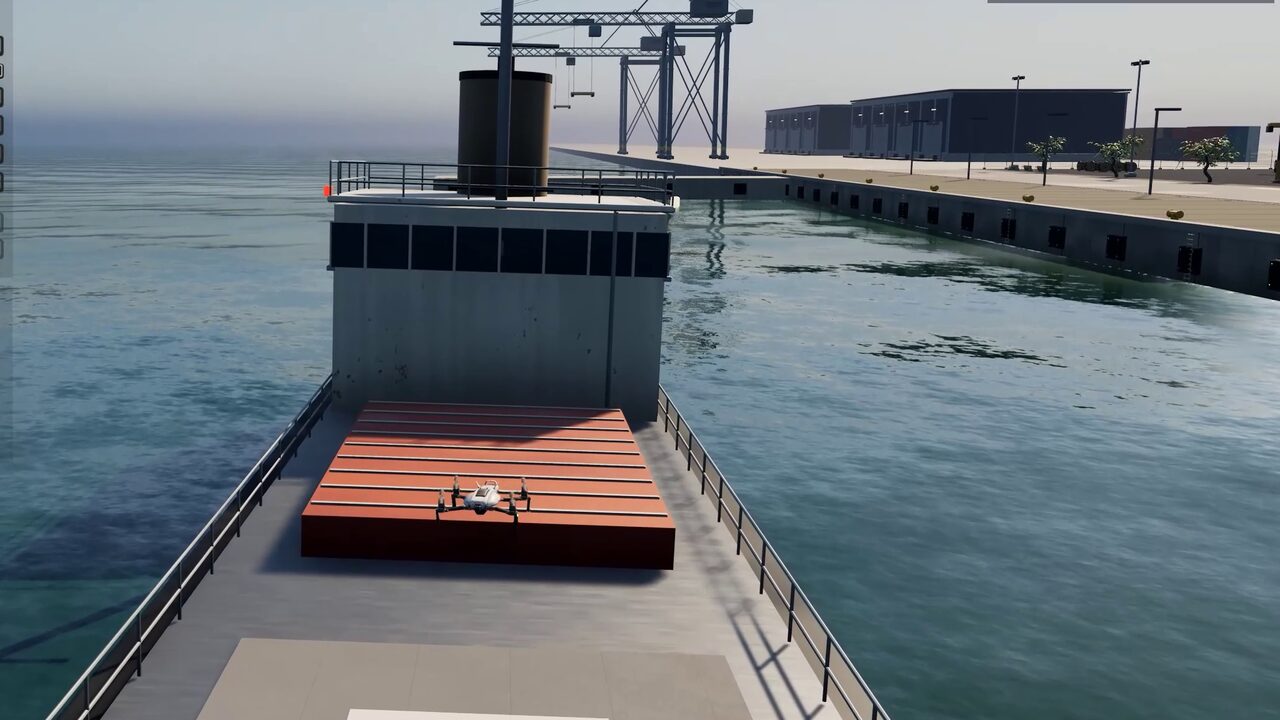
Harbour
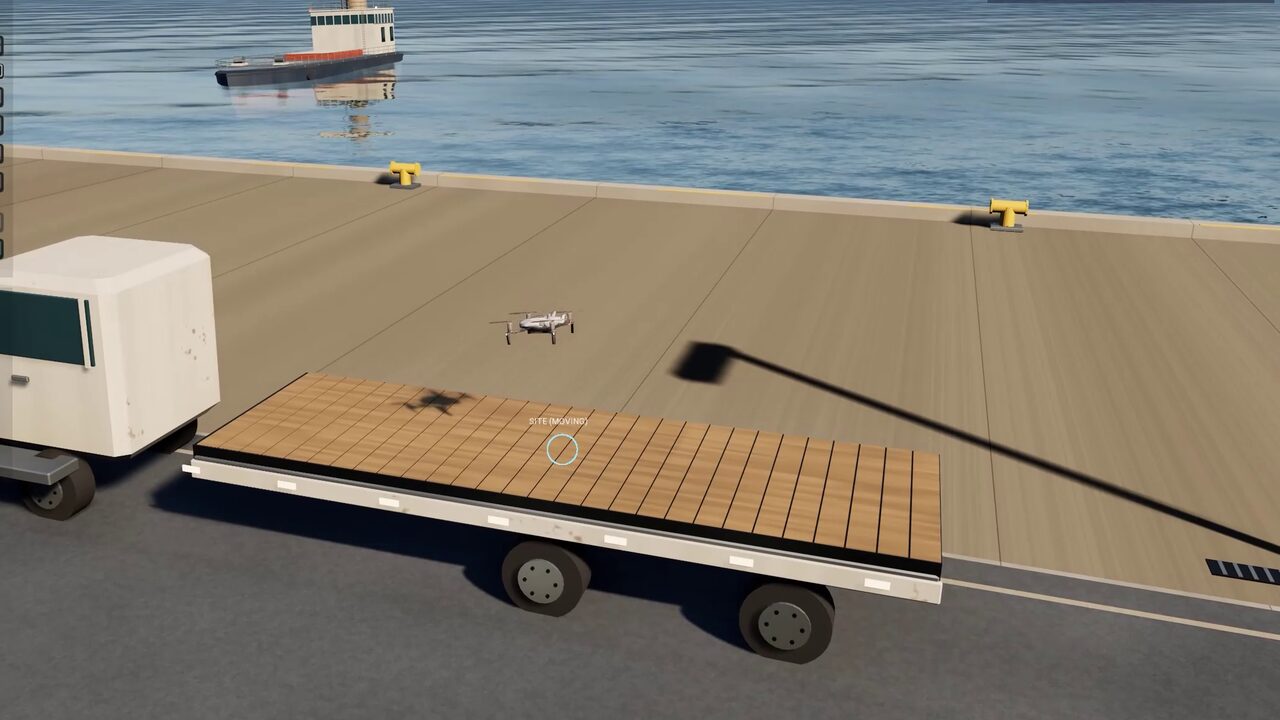
Landing on a moving, rolling ship and a moving lorry.
- Land
- BT · StateTree
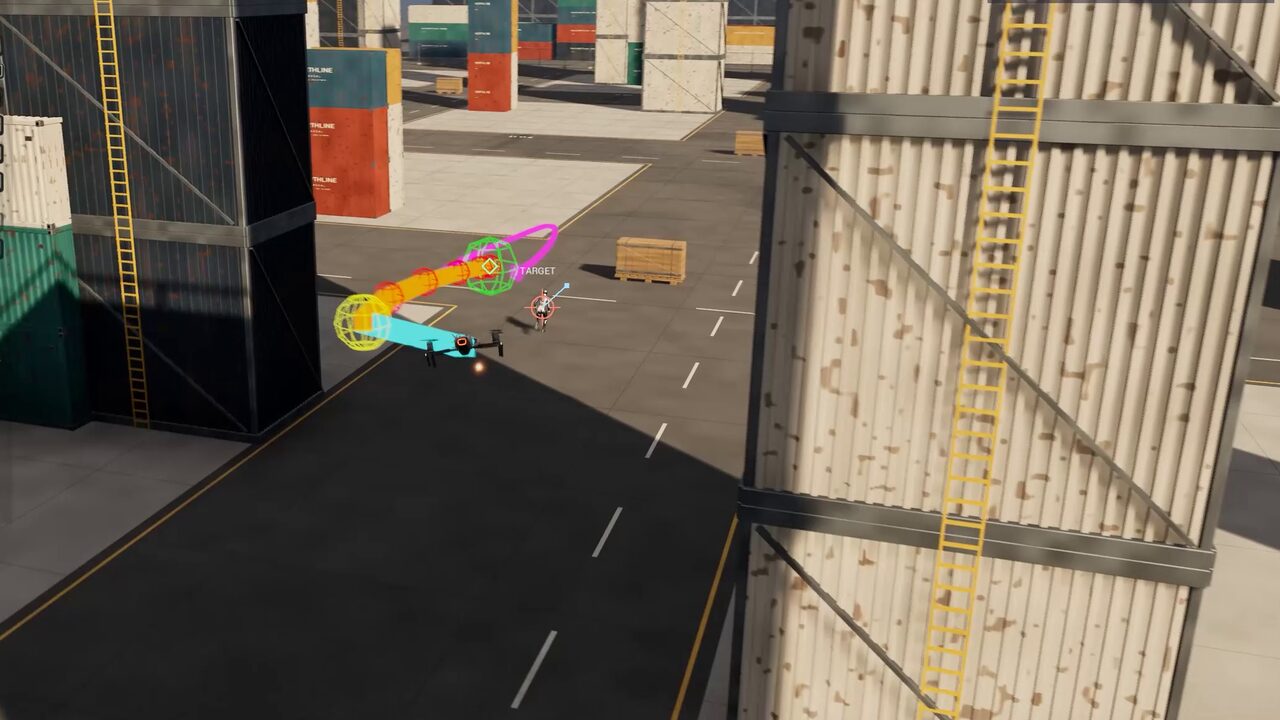
Hunter Drone
A hunter re-plans round container stacks as its target runs.
- Engage
- BT · ST · Mass
Common questions
How do AI agents avoid moving obstacles in Unreal Engine 5?
Give the moving actor an LCM Dynamic Obstacle component. Its footprint restamps the navigation octree as it moves, and since 3.6 the Fly To task predicts its motion and times its pass — waiting for a gap, taking a detour or dodging.
Does it work with doors, lifts and moving platforms?
Yes. Any moving actor with a Dynamic Obstacle component updates the octree live, agents re-route around it, and the change replicates to clients in multiplayer.
Which settings control moving-obstacle prediction?
Avoid Moving Obstacles turns it on (it is on by default), Moving Obstacle Look-Ahead sets how far ahead Fly To predicts, and Moving Obstacle Margin sets the clearance it keeps.
Read more in the free documentation: